Convert gaming clips to HDR
A lot of modern game capture is already HDR-native when the game, console, and display all support it. This is for the footage that is not: older captures, SDR-mode recordings, or clips from a setup that does not do HDR.
Why HDR helps here
If your capture was recorded in SDR mode, converting afterward recovers headroom the recording never had metadata for.
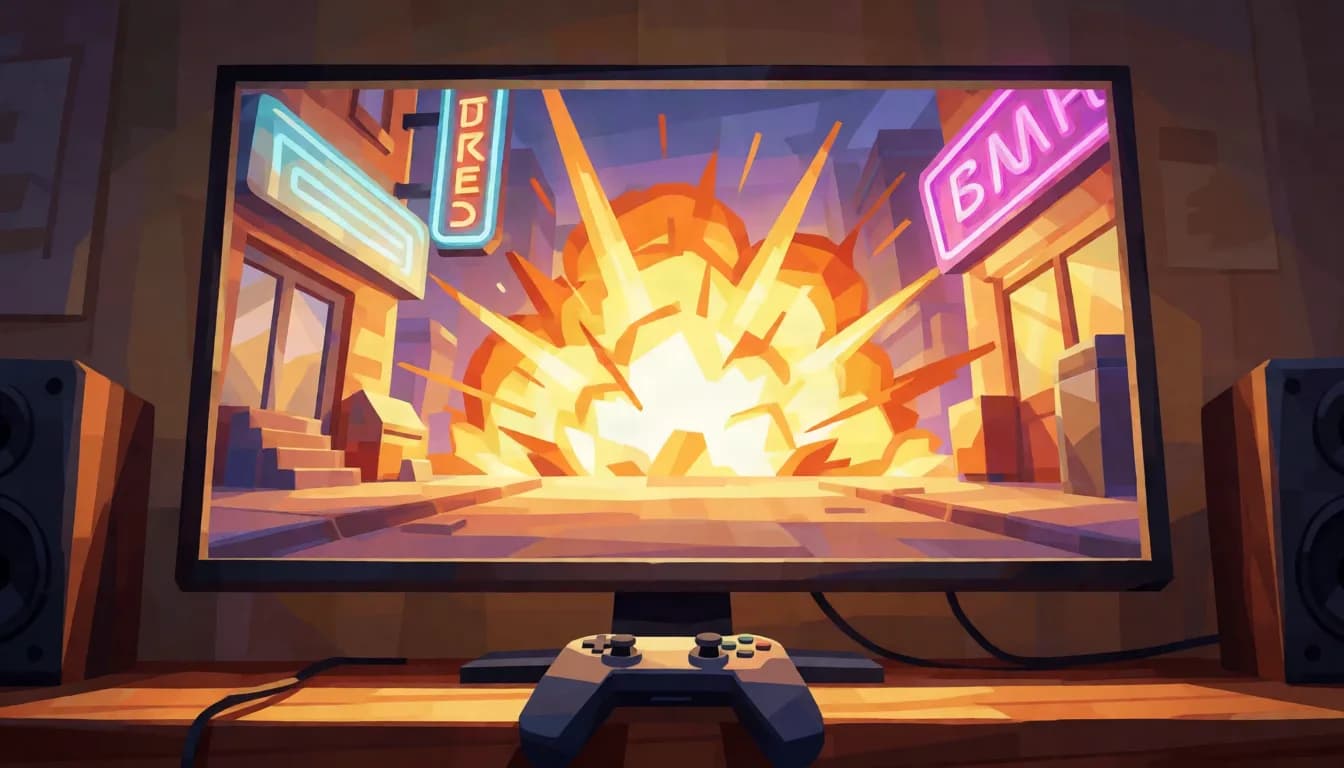
Highlight-heavy scenes, explosions, bright skies, neon UI, benefit the same way any bright, high-contrast footage does.
This is not a substitute for native HDR capture. If your setup already records HDR directly, that path gives better results than converting an SDR recording after the fact.
What to shoot for
Check whether your capture was already HDR before converting anything. A game can be rendering in HDR while the capture pipeline records SDR, and the reverse also happens, so the file is the only reliable answer. If the clip already reports smpte2084 or arib-std-b67 in its colour transfer, converting again gains nothing. This is a conversion for SDR-mode captures and older recordings, not a substitute for native HDR capture.
What to expect
Explosions, muzzle flashes, magic effects, neon signage, sun and sky in open-world titles: anything the engine renders as an emissive light source. Where it helps least is the HUD, which is flat-shaded UI at fixed values, and it can actually suffer, because hard-edged coloured text is the worst case for 4:2:0 chroma subsampling regardless of dynamic range.
Where it actually plays
YouTube handles HDR gaming content properly and is the main destination. Clip-sharing and messaging platforms generally re-encode. If you are cutting for a montage, convert after the edit rather than before, since every re-encode along the way strips the HDR metadata unless the tool deliberately preserves it.
Does your footage fit
MP4, MOV, or WebM. Up to 60 seconds and 500 MB. Resolution and frame rate come back exactly as they went in, nothing is resized or retimed.
- MP4, MOV, or WebM, straight from your camera or editor.
- Up to 60 seconds and 500 MB per clip.
- Resolution and frame rate come back exactly as they went in.
- Failed conversions refund automatically, usually within minutes.
Frequently asked questions
Should I just enable HDR capture instead of converting?
Yes, if your console or PC, capture software, and display all support it, native HDR capture is the better path. This is for footage where that was not set up, or was not possible.
Does this work for stream VODs?
Yes, if the exported clip fits the format and size limits. Full streams need to be clipped down to under 60 seconds first.
Will this fix compressed, low-bitrate clips?
No. Conversion works with whatever range and detail is already in the source. Heavy compression has already discarded information conversion cannot recover.
Is this better than capturing in HDR natively?
No. Native HDR capture records the range the engine actually rendered; conversion works backwards from an SDR capture that already discarded it. If your hardware and game support HDR capture, use it. This is for footage that already exists in SDR.
Why does my HUD look worse after converting?
That is chroma subsampling rather than the conversion. Hard-edged coloured UI text is the worst case for 4:2:0 colour resolution, and it was already softened in the source. Stretching the range it sits in can make the existing fringing easier to notice.
Get started
Upload a clip and see the price before you commit to anything. $6.00 per 10 seconds at 1080p and below, $12.75 per 10 seconds above 1080p, $0.60 minimum.
Convert a clip