Convert wedding video to HDR
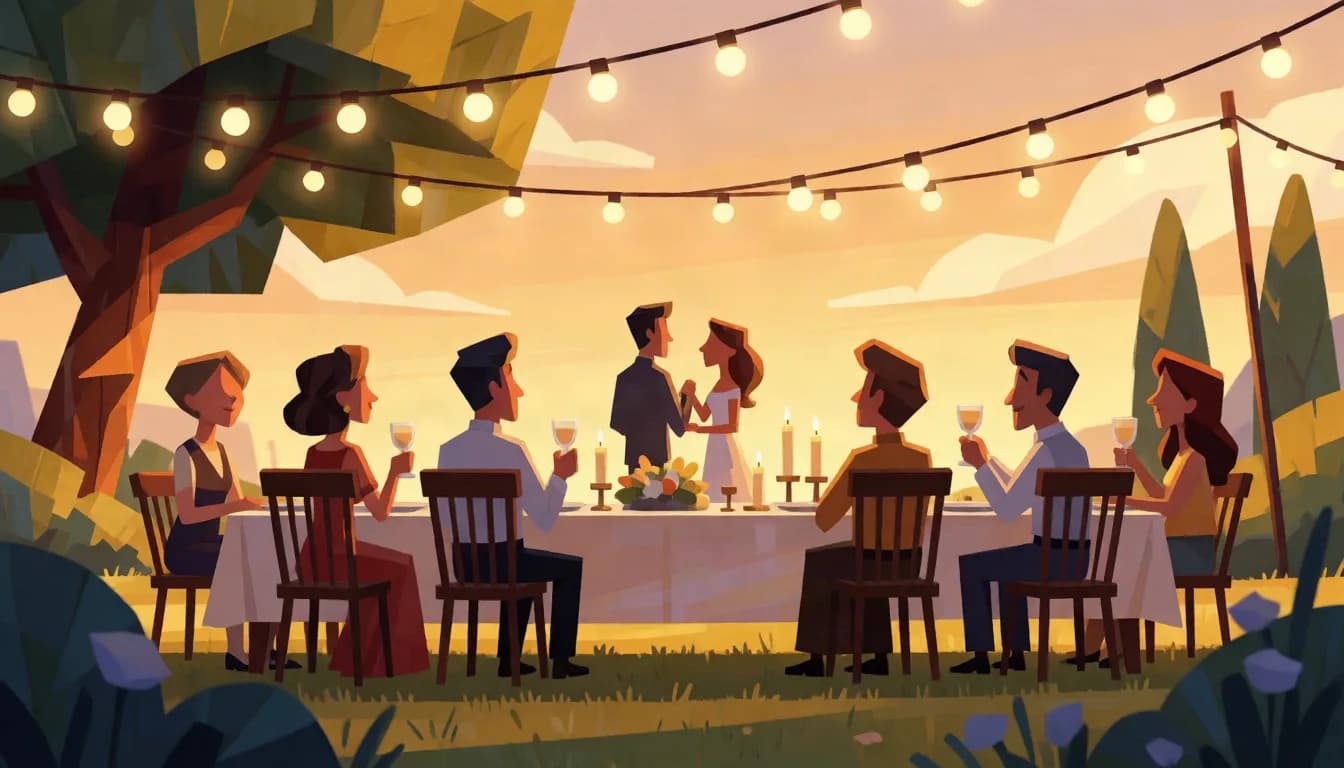
Golden-hour ceremonies, candlelit receptions, and string lights are exactly the highlight-heavy, high-contrast lighting HDR headroom is built for. Highlight reels just need to fit the 60-second limit first.
Why HDR helps here
Backlit golden-hour shots and candle or string-light receptions hold highlight detail instead of blowing out.
Skin tones benefit from 10-bit gradients the same way skies do, less banding in warm, low-contrast light.
Standard highlight reels run 30 to 90 seconds. Anything over 60 seconds needs trimming to the strongest segment first, there is no way around the per-clip limit.
What to shoot for
The recurring subject is a white dress next to a dark suit under mixed light, which is the highest-contrast thing most wedding footage contains. Expose to keep the dress off the clipping point rather than exposing for the faces and letting it go, because a dress recorded as flat white has no fabric texture to recover. Candlelight, string lights and golden-hour backlight are the shots worth converting.
What to expect
Practical lights hold their shape instead of becoming discs. Candle flames, bulbs in a marquee, backlit veil and hair light, and the sun through a window during vows all separate from diffuse white. Evenly lit reception coverage under flat venue lighting gains very little, so choose clips rather than converting the whole edit.
Where it actually plays
Couples watch these on phones and televisions, both of which are overwhelmingly HDR-capable now, so the delivery path is unusually good for this use case. YouTube and Vimeo private links work. What does not work is sending the file through a messaging app, which will re-encode it. Give the couple a download alongside the streaming link.
Does your footage fit
MP4, MOV, or WebM. Up to 60 seconds and 500 MB. Resolution and frame rate come back exactly as they went in, nothing is resized or retimed.
- MP4, MOV, or WebM, straight from your camera or editor.
- Up to 60 seconds and 500 MB per clip.
- Resolution and frame rate come back exactly as they went in.
- Failed conversions refund automatically, usually within minutes.
Frequently asked questions
My highlight reel is 90 seconds, can I still convert it?
Not as one file. Trim to your best 60 seconds, or split it into two clips and convert each separately.
Does this work on footage cut together from multiple cameras?
Yes, as long as the final exported file is MP4, MOV, or WebM and under the size and duration limits. The source cameras do not matter.
Will skin tones look natural?
Yes. The conversion expands range and remaps color, it does not push saturation or contrast artificially. Well-exposed, not overly stylized footage converts most naturally.
Should I convert the whole film or selected clips?
Selected clips, and not only because of the 60-second limit. The highlight moments that benefit, ceremony backlight, candlelit first dance, golden-hour portraits, are a small fraction of the runtime, and converting evenly lit reception coverage adds cost without a visible difference.
Will this fix a clipped white dress?
No. If the dress was recorded at maximum values, that region contains no fabric detail, and HDR gives a flat area somewhere brighter to be flat. The fix is at exposure time. This is the single most common disappointment in wedding conversion and it is worth setting the expectation with the couple.
Get started
Upload a clip and see the price before you commit to anything. $6.00 per 10 seconds at 1080p and below, $12.75 per 10 seconds above 1080p, $0.60 minimum.
Convert a clip