Convert real estate walkthrough video to HDR
Windows are the recurring problem in interior video: expose for the room and they blow out, expose for the view and the room goes dark. HDR10 holds both at once.
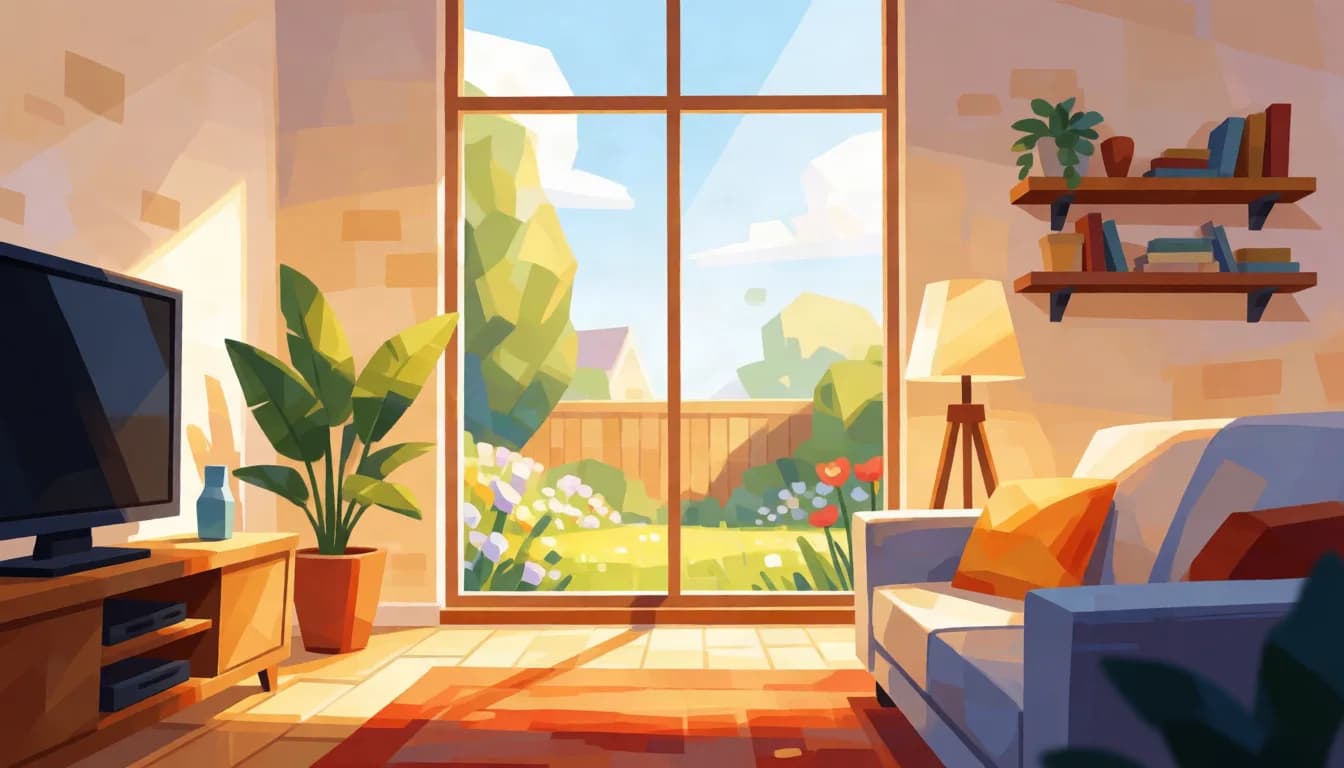
Why HDR helps here
Window light and the exterior view stay visible instead of collapsing to solid white.
Glossy floors, marble, and glass benefit from the same 10-bit gradient handling that helps water and chrome.
Most MLS and listing sites do not preserve HDR, so plan to deliver it on YouTube, your own site, or a direct screening, and keep an SDR export for the listing.
What to shoot for
Expose for the room and let the window be bright but not clipped. This is the one preparation step that changes the outcome: HDR gives a bright window somewhere to go, but only if the source still contains it. A window recorded as a flat block of maximum values has no view in it, and no conversion writes one back in. If your camera shows the window clipping, bring the exposure down until it stops.
What to expect
The window and the exterior view stay legible rather than collapsing to white, and the room does not have to be crushed to keep them. Glossy floors, marble, polished stone and glass fixtures pick up the same gradient handling. Corridors, closets and evenly lit rooms without a window gain very little, which is worth knowing before converting an entire walkthrough clip by clip.
Where it actually plays
MLS and most listing portals do not preserve HDR, and many re-encode on upload. Deliver HDR through your own site, a YouTube listing video, or a direct screening on a capable display, and keep the standard SDR export for the portal. Treat the HDR cut as the version you show a seller or a high-end buyer, not the one that goes into the listing feed.
Does your footage fit
MP4, MOV, or WebM. Up to 60 seconds and 500 MB. Resolution and frame rate come back exactly as they went in, nothing is resized or retimed.
- MP4, MOV, or WebM, straight from your camera or editor.
- Up to 60 seconds and 500 MB per clip.
- Resolution and frame rate come back exactly as they went in.
- Failed conversions refund automatically, usually within minutes.
Frequently asked questions
Which room should I convert first?
Whichever has the most window light or reflective surface, usually the great room or primary suite. Straightforward hallway or closet coverage does not benefit as much.
Can I convert a full walkthrough at once?
Only if it is 60 seconds or under. Most full walkthroughs run longer, so convert the highlight room clips individually instead.
Will my MLS listing show HDR?
Almost never. Deliver HDR through your own site, YouTube, or a direct viewing, and keep the standard SDR export for the MLS.
Should I still bracket or use HDR photo techniques?
Those are stills techniques and they do not transfer. For video, the equivalent is a camera with more capture range and an exposure that protects the window. Conversion works with what a single exposure recorded, so the recording decision is the one that matters.
What about twilight exteriors?
They are a strong case. Twilight shots contain interior lights, sky gradient and often a pool or wet driveway reflecting both, which is exactly the mix SDR flattens. Expose to keep the brightest window from clipping and the conversion has real range to work with.
Get started
Upload a clip and see the price before you commit to anything. $6.00 per 10 seconds at 1080p and below, $12.75 per 10 seconds above 1080p, $0.60 minimum.
Convert a clip