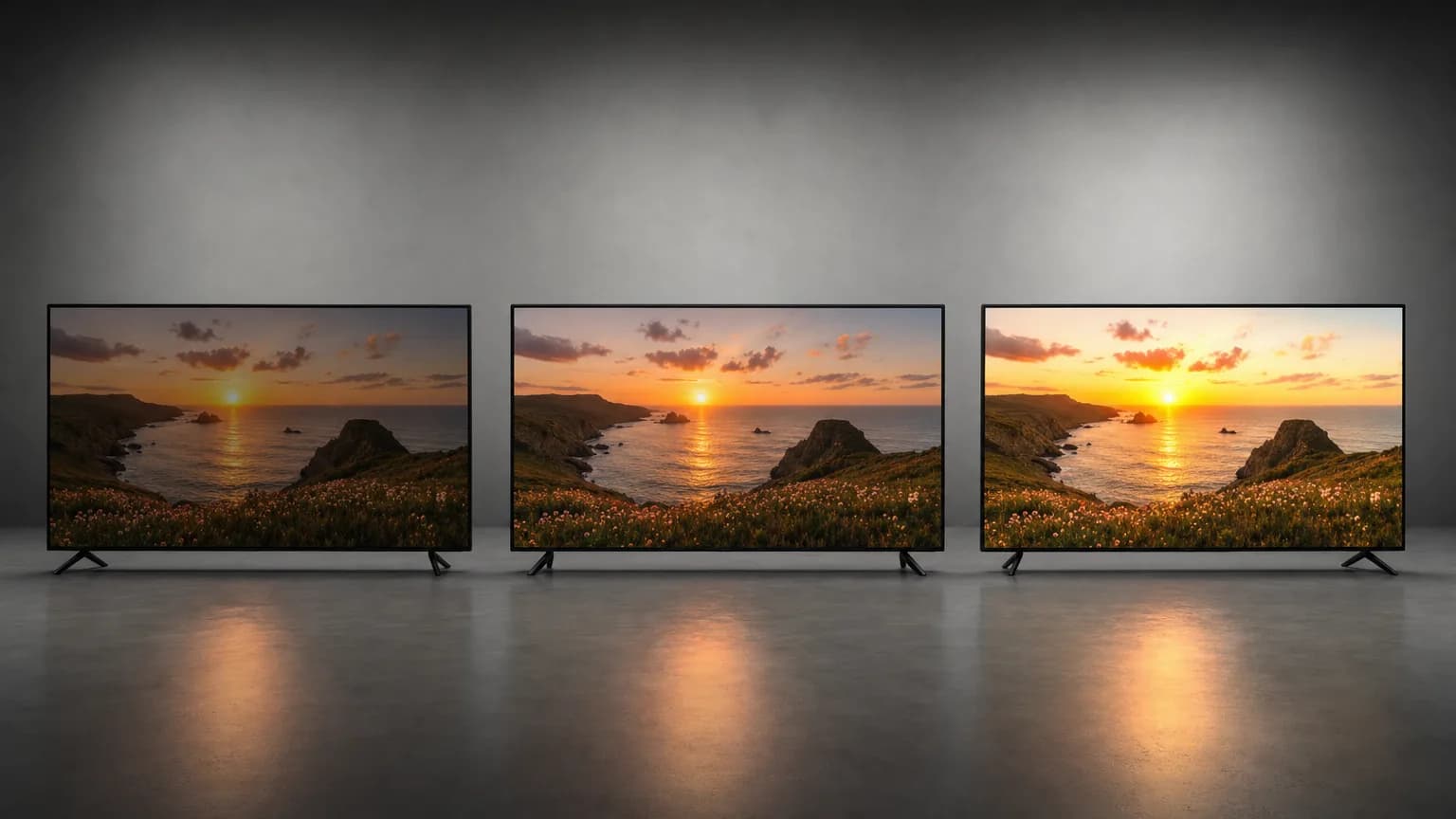
"HDR" is not one format. It is a family of three, and they solve the same problem, more brightness range and more color than SDR, in three different ways with three different costs. If you are choosing what to deliver, or trying to understand what a converter actually hands you, the differences matter more than the marketing suggests.
HDR10: static metadata, no licensing
HDR10 tags a file once, at the start, with two numbers: the mastering display's peak brightness and the maximum content light level. Every frame in the file is then interpreted against that single, static range.
That simplicity is the whole appeal. HDR10 is royalty-free and open, which is why it is the format every HDR TV, iPhone 12 and later, iPad Pro, and YouTube support without negotiation. There is no license to clear and no per-title metadata pass to run. The tradeoff is that a single scene-setting has to work for your brightest highlight and your darkest shadow at once, so a display with a narrower range than the mastering target has to compress the ends.
Dolby Vision: per-frame metadata, license required
Dolby Vision carries the same kind of brightness information HDR10 does, but recalculates it per scene or per frame instead of once for the whole file. A sunrise and a candlelit interior in the same video each get their own target range, so a display can map each moment more precisely instead of applying one compromise to both.
That precision comes at a cost: Dolby Vision requires a license from Dolby, encoder and decoder support has to be built in, and the dynamic metadata track adds encoding complexity. Most Dolby Vision files carry an HDR10-compatible base layer specifically so playback does not break on hardware that only understands the simpler format.
What that buys you in practice. Picture a scene that cuts from a dim room to a window blazing with daylight, a common shot in any interior-to-exterior sequence. HDR10 has to pick one mastering target for both halves of that cut: set it high enough to cover the window and the dim room's shadow detail gets compressed against a range built for a much brighter peak, set it lower to protect the shadows and the window risks clipping into a flat white card. A single static number cannot fully serve both.
Dolby Vision's per-frame metadata carries a new target for the room and a new target for the window, changed at the cut itself if the encode calls for it, so the display gets two separate instructions instead of one compromise. The dim room maps against a range where its shadow detail sits comfortably in the middle, and a few frames later the window maps against a range built for its own peak, without either one being asked to share headroom with the other. That is the entire value of dynamic metadata: not a higher ceiling, a ceiling that moves with the content instead of sitting fixed for the whole file.
HLG: no metadata, backward-compatible
Hybrid Log-Gamma takes a different approach entirely: no metadata track at all. Instead, the gamma curve itself is redesigned so the same file looks reasonable, not optimal, but watchable, on both an SDR display and an HDR one. A screen that does not understand HDR just plays HLG as slightly-off SDR rather than washed out or over-bright.
That backward compatibility is why HLG is broadcast television's format of choice: one live feed serves every set in front of it. It is a poor fit for on-demand delivery, where every platform already re-encodes per device anyway and there is no single feed to protect.
Side by side
| HDR10 | Dolby Vision | HLG | |
|---|---|---|---|
| Metadata | Static, one setting for the whole file | Dynamic, per scene or per frame | None |
| Licensing | Royalty-free, open | Requires a Dolby license | Royalty-free, open |
| Best fit | On-demand delivery, general use | Cinema and premium streaming masters | Live broadcast |
| Device support | Every HDR TV, iPhone 12+, YouTube | Growing, needs explicit decoder support | Broadcast-oriented, spotty outside TV sets |
| What we output | Yes, always | No | No |
What this means for a conversion
An SDR file has no HDR metadata of any kind, static or dynamic, so converting it means generating that metadata from scratch by analyzing what the footage actually needs. Our engine does this and always writes HDR10: a 10-bit H.265 MP4 with static PQ metadata, bt2020 primaries, yuv420p10le pixel format. We do not output Dolby Vision or HLG. Dolby Vision needs a license we would have to pass the cost of onto every conversion, whether or not the extra per-scene precision would even be visible in your footage. HLG's backward-compatibility trick only matters for a live broadcast feed, not a file you are uploading once and distributing on demand.
That choice also means the detection question below resolves itself before it is asked: whatever plays our output only ever needs to find one signal, smpte2084 with a plain HEVC tag and mastering-display side data, never a Dolby Vision configuration box, never per-frame metadata to parse.
HDR10 is also the floor every other format assumes. A Dolby Vision decoder falls back to the HDR10 base layer when it has to; an HLG file is graded so it degrades to SDR gracefully. Converting to HDR10 gets you the format with the widest device support and the smallest number of ways to fail on someone else's screen.
How a player actually knows which one it's looking at
None of this is negotiated by a human, and it happens in a specific order every time a file starts playing.
First, a player reads the container and codec profile: is this an HEVC Main 10 stream at all, since none of the three formats mean anything on an 8-bit codec. Second, it reads the transfer characteristics value baked into the bitstream itself, the same field ffprobe reports as color_transfer. A value that maps to SMPTE ST 2084 means PQ, the curve HDR10 and Dolby Vision's base layer both share. A value that maps to ARIB STD-B67 means HLG, and that is the entire signal HLG sends, there is nothing dynamic to look for after this.
If the transfer characteristics say PQ, the player checks for two more things, in order. It looks for a Dolby Vision configuration box in the container, or a distinct codec tag like dvhe/dvh1 instead of the plain hvc1/hev1, plus the per-frame metadata carried inside the bitstream. If that is present and the player can decode it, it switches into Dolby Vision mode and pulls a new target range for every frame or scene change. If it is absent, or the player does not support Dolby Vision, it falls back to reading the static metadata HDR10 relies on instead, peak brightness and content light level, and treats those two numbers as the ceiling for everything that follows.
You can watch this negotiation happen physically, not just in the bitstream. An Apple TV or a game console renegotiates the HDMI link itself when it switches from an SDR menu into an HDR title, sending new signaling to the display before the first frame arrives. That is the brief black flash you sometimes see right before HDR content starts. The device is not guessing what the display can do, it is telling the display what format is coming and waiting for it to confirm before sending a single pixel.
How to check which one a file already has
If someone hands you a file and calls it "HDR," you do not have to take their word for it. The same command that verifies our own output tells you which of the three formats, if any, you are actually looking at:
ffprobe -v error -select_streams v:0 \
  -show_entries stream=codec_tag_string,pix_fmt,color_transfer,color_primaries,color_space \
  -of default=noprint_wrappers=1 input.mp4
Read the result against this:
color_transfer=smpte2084means PQ, the curve both HDR10 and Dolby Vision's base layer use. This alone does not tell you which of the two you have.codec_tag_string=dvh1ordvhemeans Dolby Vision. A configuration box in the container confirms it more precisely, tools likemediainfoname it directly, where plainffprobemostly shows it through the codec tag. Without either signal, asmpte2084file with a plainhvc1/hev1tag is HDR10.color_transfer=arib-std-b67means HLG. There is no dynamic metadata to look for and none of the checks below apply, the gamma curve itself is the whole signal.color_transfer=bt709, on a file someone is calling HDR, means it is not HDR at all. Something upstream stretched the contrast and called it a day.
For the two static numbers HDR10 actually carries, ffprobe -show_frames on the first few frames will surface Mastering display metadata and Content light level metadata as side data if they are present. A file with smpte2084 but no side data at all is technically valid PQ but was never properly mastered, a player will fall back to guessing a ceiling instead of reading one.
None of this requires opening the file in an editor first. Thirty seconds with ffprobe tells you more than watching a clip on a screen that might be tone-mapping around whatever is actually there.
One-line definitions for each of these formats, and for the metadata they carry, are in the glossary: HDR10, Dolby Vision, HLG, MaxCLL and MaxFALL.
Questions people ask
Which format should I deliver in?
HDR10, unless you know the playback device supports something else. It is royalty-free, every HDR display accepts it, and it needs no fallback stream. Dolby Vision can look better where it is supported, and its playback path is narrower.
Can one file carry more than one format?
In a sense. Dolby Vision profiles 8.1 and 8.4 sit on an ordinary HDR10 or HLG base layer, so a player that does not understand the Dolby metadata plays the base layer. Profile 5 does not degrade that way.
Does my TV supporting Dolby Vision mean HDR10 looks worse on it?
No. Every Dolby Vision display also handles HDR10, and on a short clip with consistent lighting the difference between static and per-frame metadata is usually not visible. Dynamic metadata earns its keep across a feature-length range of scenes.
Then what
For what actually changes inside the file when SDR becomes HDR10, see SDR vs HDR. For which screens and platforms will actually honor an HDR10 file once you have one, see where HDR video actually plays.